Join the Momoyoga app test version
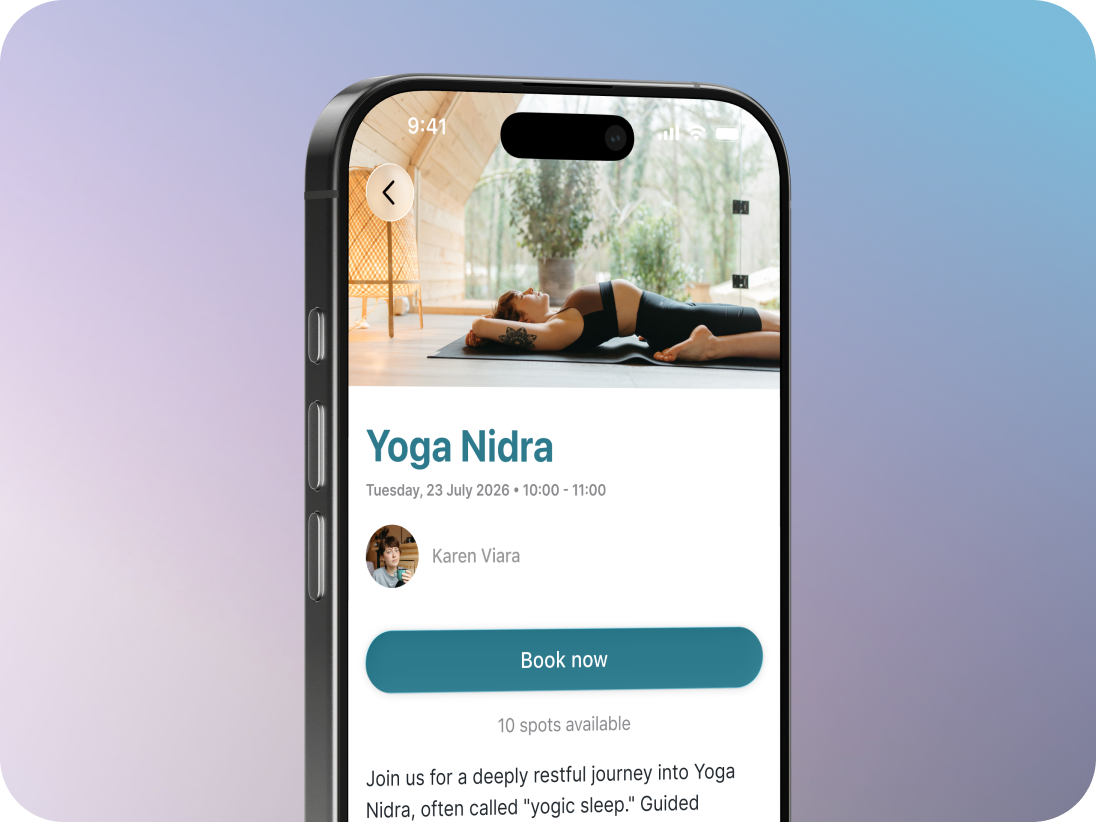
You can use the test version of the Momoyoga app to try out the latest version and help us find bugs and other issues. Testing the app can also be a useful troubleshooting step if something isn't working correctly in the regular version.
You can use the test version as you normally would and let us know if the problem you're experiencing is still there.
Good to know: The test version is constantly being improved, so you may occasionally notice bugs or things that don't work as expected. That's exactly why your feedback is helpful!
In this article
- Join the test version on iPhone
- Join the test version on Android
- Use the test version to troubleshoot an issue
- Share your feedback
- Need help?
Join the test version on iPhone
If you use an iPhone, you'll need to install TestFlight. TestFlight is Apple's tool for testing apps.
- Open the App Store on your iPhone
- Search for TestFlight and install it
- Open the Momoyoga test version on your iPhone
- Tap Accept
- Tap Install
The test version of Momoyoga is now installed on your phone. You can open it and use it as normal.
If you want to stop testing new versions of the app, you can go back to the regular version by searching and downloading the Momoyoga app in the App Store.
Join the test version on Android
If you use an Android phone:
- Open the Momoyoga test version
- Sign in with the Google account you use on your phone
- Tap Become a tester
- Open the Google Play Store on your phone.
- Find the Momoyoga app and tap Update if an update is available.
The test version is now installed and ready to use.
If you want to stop testing new versions of the app, you can leave the beta test group from the Play Store app page, and return to the regular Momoyoga app.
Use the test version to troubleshoot an issue
If you're having a problem with the Momoyoga app, trying the test version can help us understand what's causing the issue.
For example, if something isn't working in the regular app:
- Join the test version using the steps above.
- Try the same action again in the test version.
- Check whether the problem is still happening.
If the problem is fixed: it may have already been resolved in the newer version of the app.
If the problem is still happening: let us know, so we can investigate it further.
Share your feedback
If you notice a bug, something that doesn't work as expected, or something that could be improved, we'd love to hear from you.
iPhone: You can share feedback through the TestFlight app.
Android: You can share feedback through the Google Play Store.
When reporting an issue, it helps to tell us what you were trying to do and what happened. A screenshot or screen recording can also be useful.
Need help?
If you're having trouble joining the test version or have any questions, feel free to contact us at info@momoyoga.com.
Was this article helpful?
That’s Great!
Thank you for your feedback
Sorry! We couldn't be helpful
Thank you for your feedback
Feedback sent
We appreciate your effort and will try to fix the article