Exporting Insights
The Insights page is available on all plans. The export of Statistics is available with the Plus plan.
If you need to work with your studio data outside of Momoyoga, you can now export the information from your Statistics tab directly from the page Insights.
To export your Insights information follow the steps:
- Log in to your Momoyoga account
- Click Insights in the main left menu
- Select the timeframe you want to analyse
- Click on the download icon near the graphic you wish to collect the information
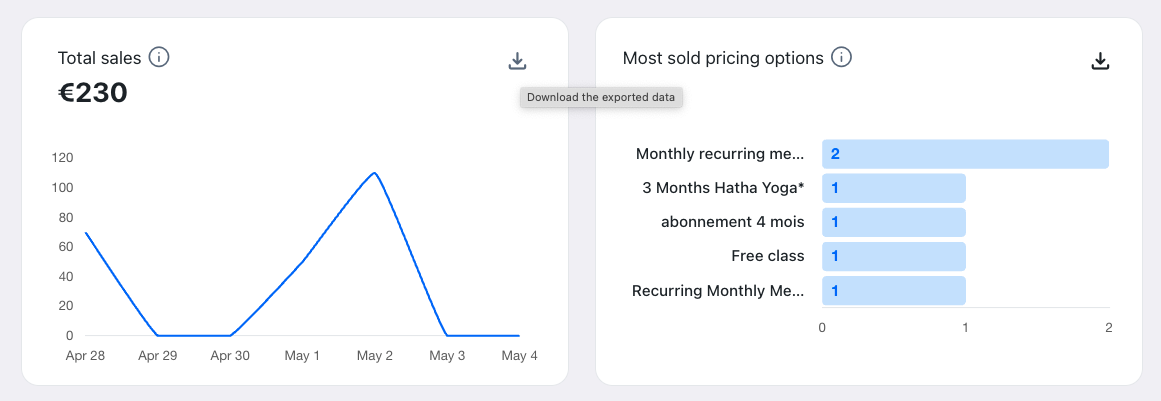
Graphs include an export option that allows you to download the underlying data. Exports are available in the following formats:
- CSV
- TSV
- Excel
The exported file will reflect the currently selected timeframe and filters, making it easy to create your own reports or share information with your team.
Tip: Use exported data to track monthly revenue or review which pricing options perform best over time.
Note: Please note that the Reports tab is not currently available to export.
Was this article helpful?
That’s Great!
Thank you for your feedback
Sorry! We couldn't be helpful
Thank you for your feedback
Feedback sent
We appreciate your effort and will try to fix the article