Gather important Insights with Momoyoga
The Insights page is available on all plans. Some advanced features, including longer timeframes, export options, and additional filters, are available on Momoyoga's paid plans
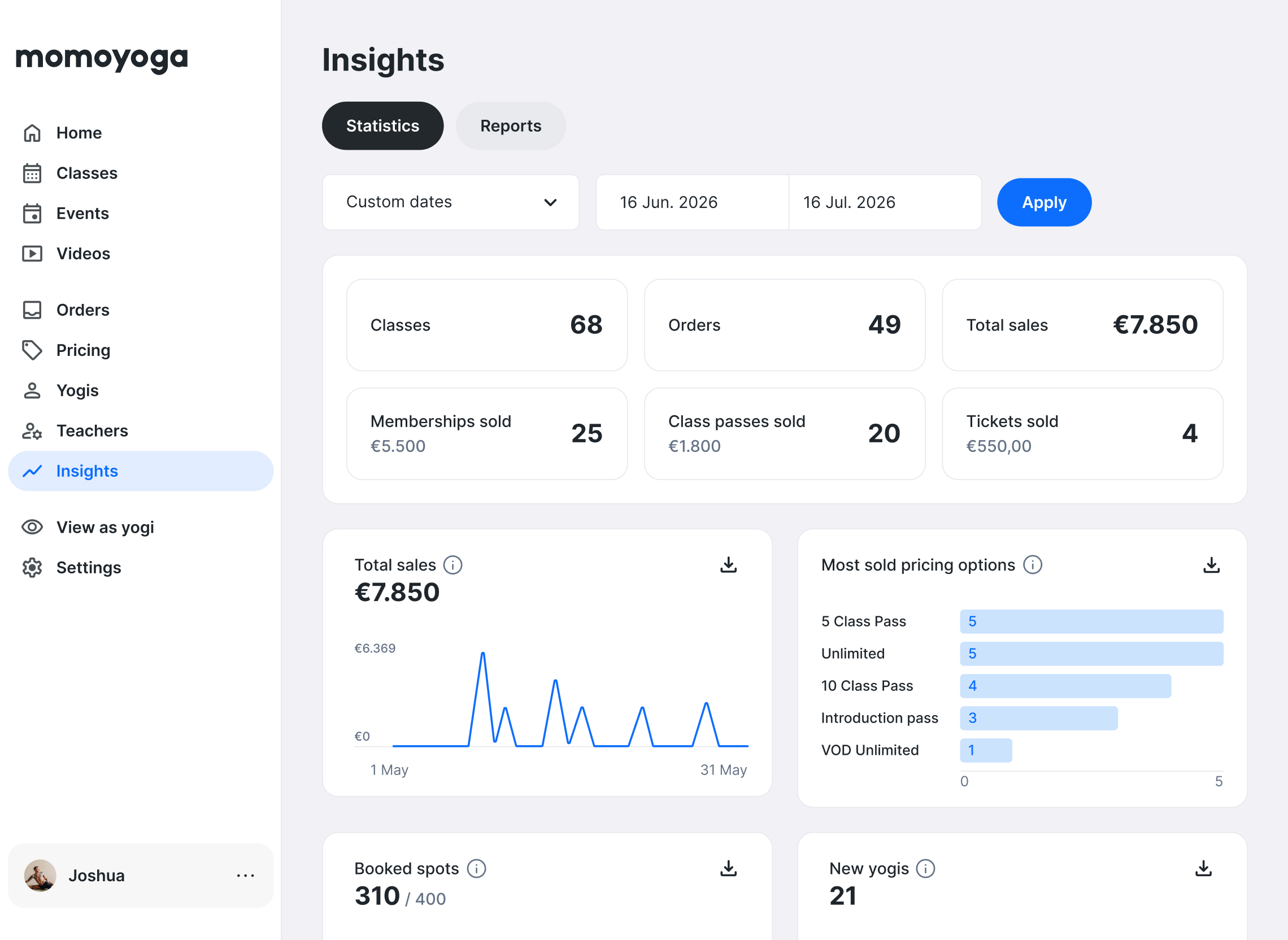
Momoyoga’s Insights page helps you understand how your studio is performing by showing clear metrics about classes, bookings, yogis, and revenue. With this overview, you can monitor daily activity, evaluate pricing options, and make informed decisions for your studio.
Insights bring together key data from your Momoyoga account in one place, helping you see patterns in attendance, bookings, and sales over time.
In this article
- What’s included in the Insights page
- Select the timeframe for your insights
- Use reports for a detailed class overview
- Export your data
- Need help?
What’s included in the Insights page
The Insights page provides a high-level overview of activity in your studio for the selected time period. The metrics update automatically based on your bookings, attendance, and sales.
Key metrics at a glance
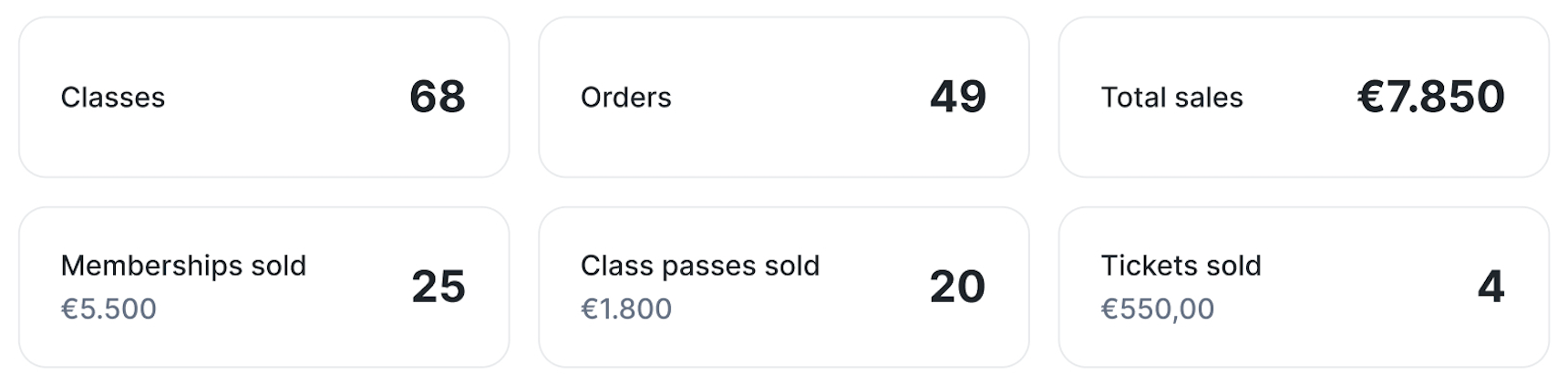
At the top of the page, you’ll find a quick overview of your studio’s performance for the selected timeframe. These key metrics help you understand activity and revenue at a glance.
This overview includes:
- Number of classes given
- Number of orders (of classes and events combined) placed by yogis
- Total sales of memberships, class passes and tickets sold for the selected period
- Revenue from memberships
- Revenue from class passes
- Revenue from event tickets
Detailed insights and trends
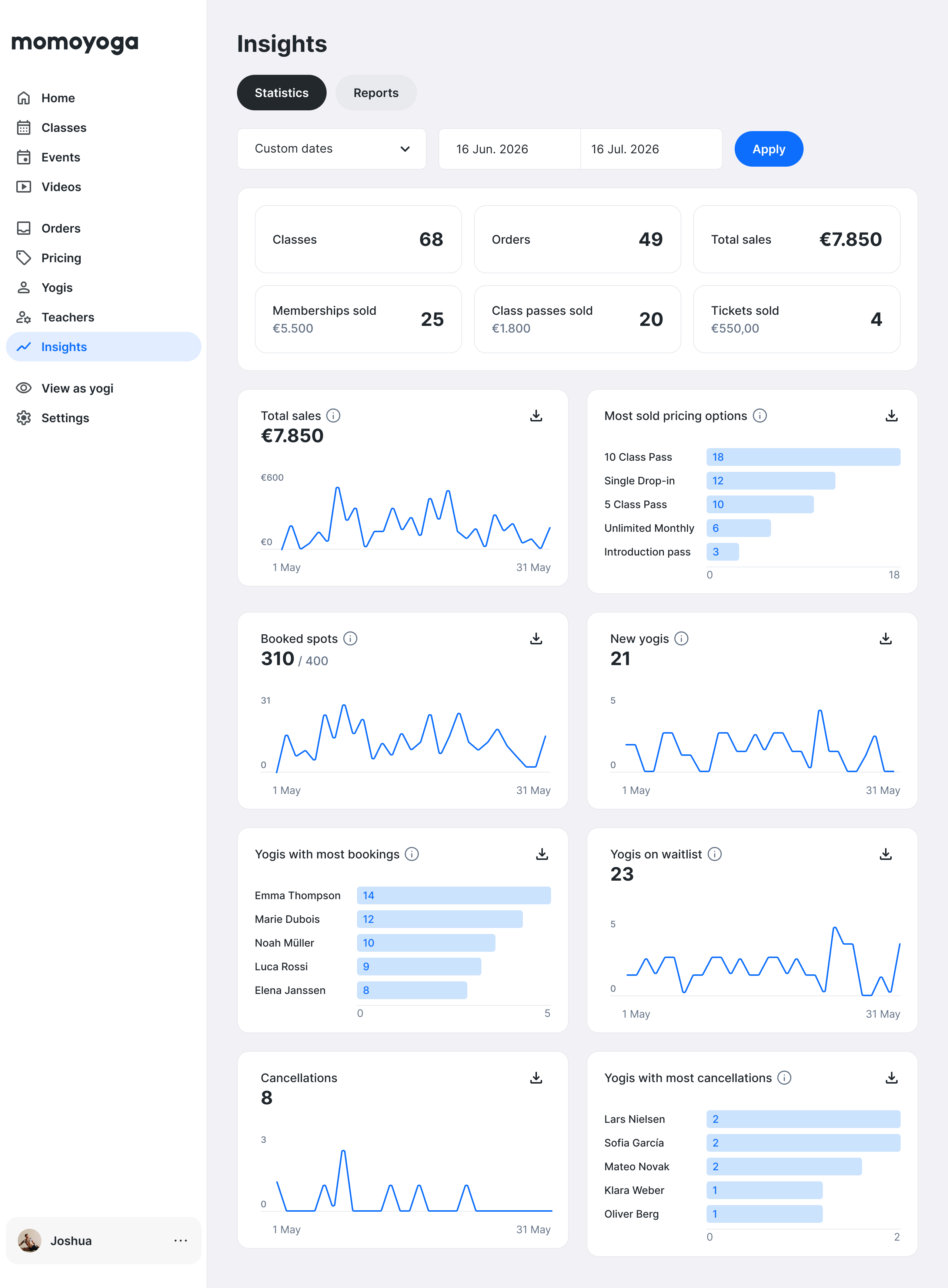
Below the main metrics, graphs provide deeper insights into bookings, attendance, and yogi activity over time.
These trends help you understand how your studio is performing and where opportunities may lie:
- Total sales per date
- Most sold pricing options to see which memberships, passes, or tickets are most popular
- Booked spots per date to see which days attract the most bookings
- New yogis per date to track when new students are joining your studio
- Yogis with the most bookings to identify your most engaged students
- Yogis on the waitlist per date to discover which classes may benefit from additional spots
- Cancellations per date to monitor cancellation patterns
- Yogis with the most cancellations to spot patterns that may need attention
Note: If there is no data yet for the selected period, the section will display 0.
Select the timeframe for your insights
To open the Insights page:
- Log in to your Momoyoga account
- Click Insights in the main menu
You’ll see an overview of your studio’s activity based on the currently selected timeframe.You can adjust the timeframe at the top of the Insights page to explore your studio’s performance across different periods.
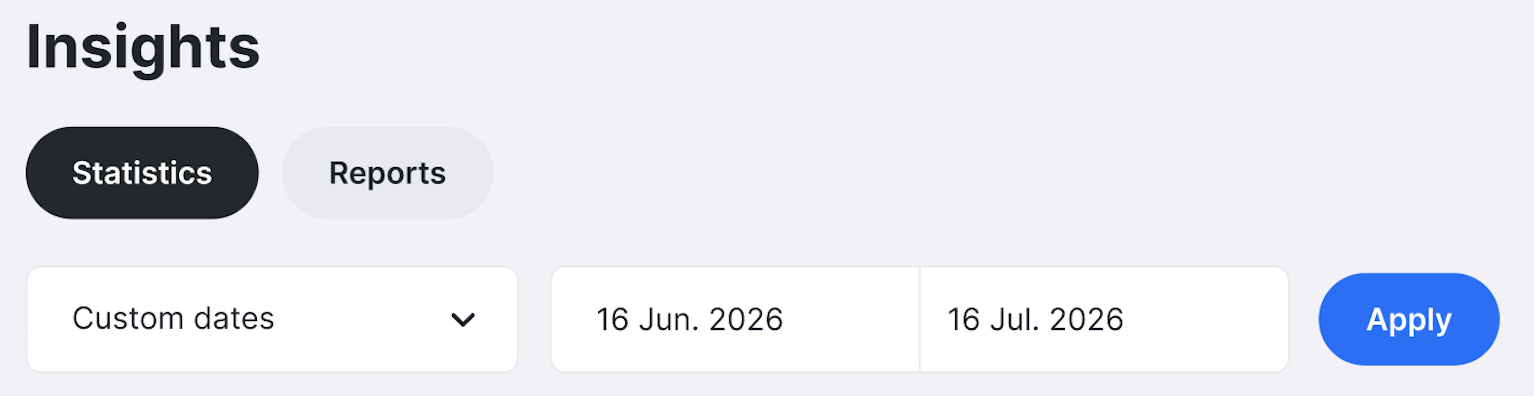
Available timeframes include:
- This week
- Last 7 days
- Last 30 days
- Last 90 days
- Last year
- Year to date
- Custom date range
Note: Studios with the Free plan have access to this week, 7 days and 30 days timeframes. Standard and Plus plans have access to all the different timeframes.
All metrics, graphs, and reports update automatically based on the timeframe you select.
Using different time ranges can help you understand both short-term activity and long-term trends. For example, you might review the past week to monitor day-to-day bookings, or look at a longer period to evaluate seasonal patterns or overall studio growth.
Tip: Use different timeframes to spot patterns. For example, review the past week for day-to-day bookings, or look at longer periods to evaluate seasonal trends or overall growth.
Use reports for a detailed class overview
The Reports tab provides a structured overview of the classes and events given during the selected timeframe.
On this page, you can view a table that lists all classes along with key details. The report can be filtered by:
- Class type/Events
- Teacher
This allows you to quickly review teaching schedules, analyse class activity, or gather information for planning and administration.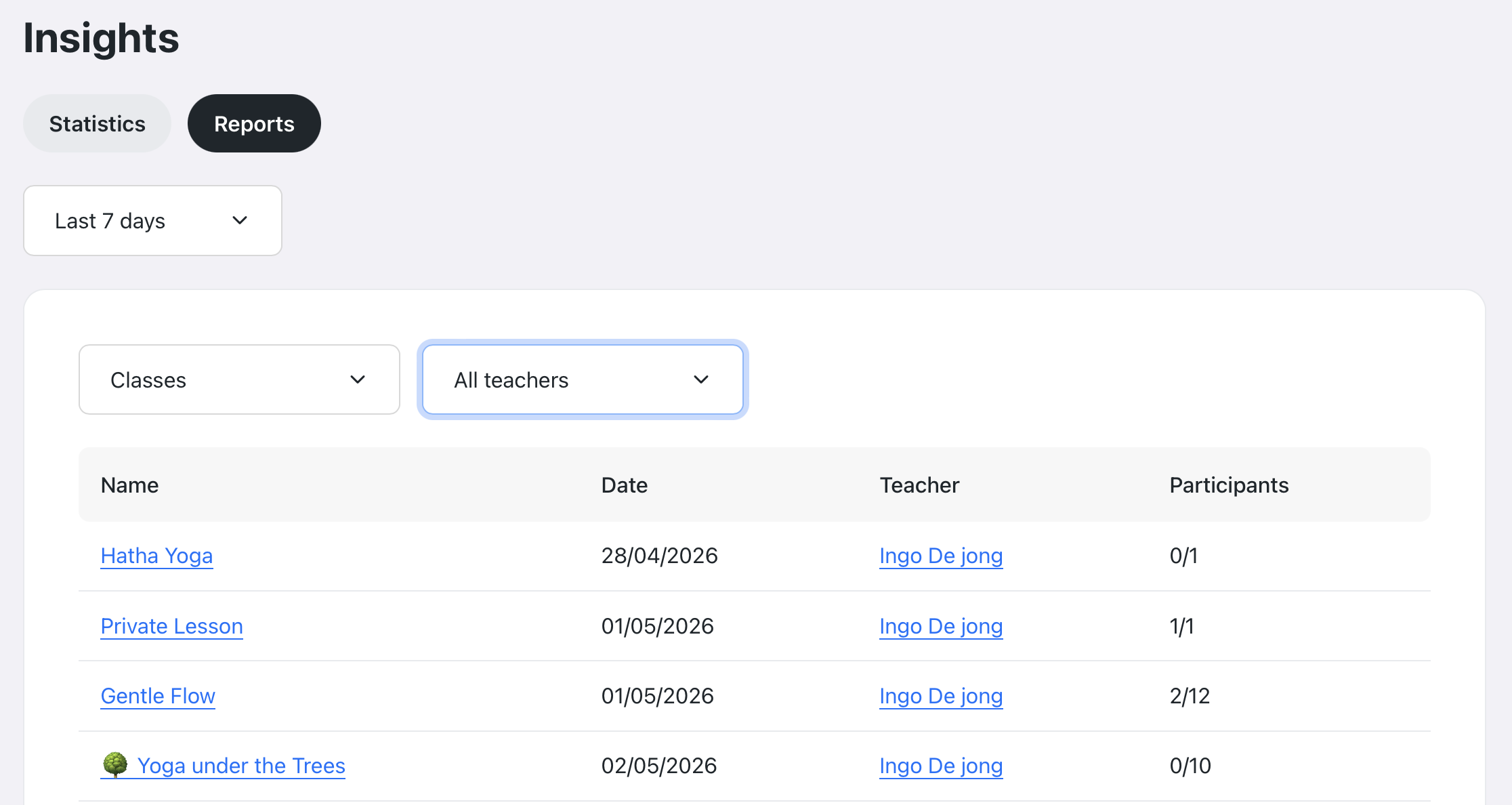
Tip: Filtering reports by teacher or class type helps identify which classes are most popular or which instructors are most booked.
Export your data

If you need to work with your studio data outside of Momoyoga, you can export the information from your Statistics tab directly from the page.
Graphs include an export option that allows you to download the underlying data. Exports are available in the following formats:
- CSV
- TSV
- Excel
The exported file will reflect the currently selected timeframe and filters, making it easy to create your own reports or share information with your team.
Tip: Use exported data to track monthly revenue or review which pricing options perform best over time.
Note: The export Statistics feature is only available for Plus plan studios.
Need help?
If you have questions about the Insights page or about interpreting your studio data, feel free to contact us at info@momoyoga.com.
We’re always happy to help you make the most of your Momoyoga account.
Was this article helpful?
That’s Great!
Thank you for your feedback
Sorry! We couldn't be helpful
Thank you for your feedback
Feedback sent
We appreciate your effort and will try to fix the article