Yogi customer journey after integrating the schedule
Momoyoga makes it easy to integrate your class schedule with your website. Supported platforms include: Wordpress, Squarespace, Wix.com, Joomla, and JavaScript. Read more about the specific integration options of Momoyoga here. After you've successfully integrated the schedule with your site, you might be wondering what the customer journey now looks like. Well, that's a great question!
In this article
Integrated schedule
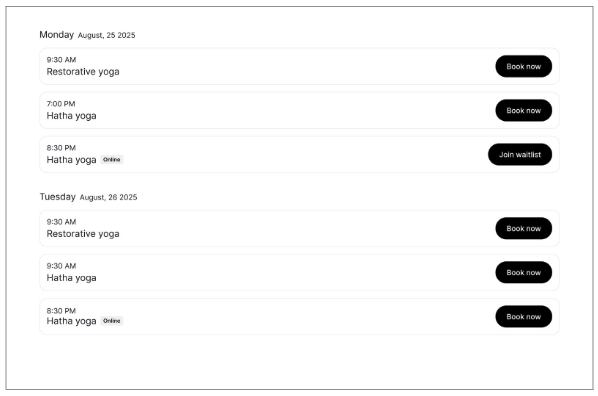
A successfully integrated schedule could look like this:
On desktop
In the weekly view
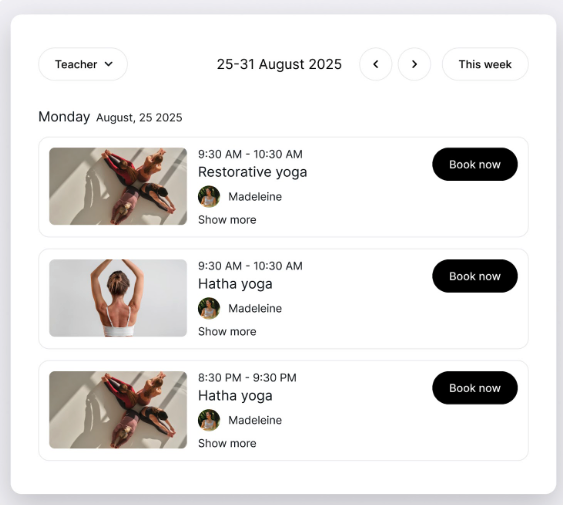
In the list view
On mobile
In the weekly view In the list view 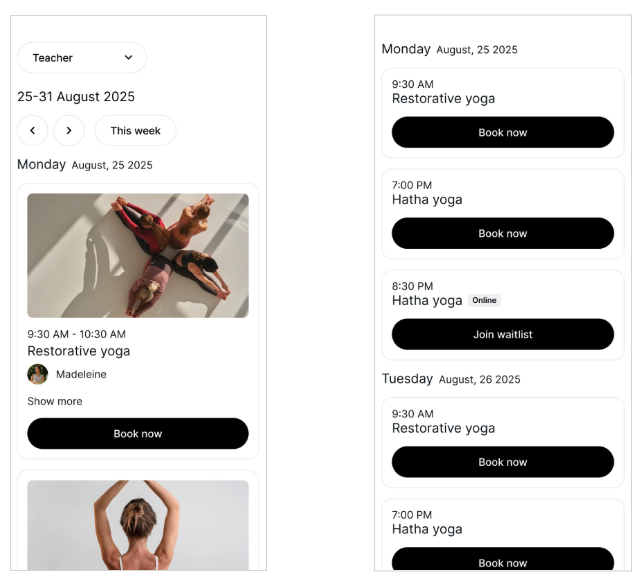
You may also choose to apply your studio’s brand colours to your integration, in which case it may look something like this:
On desktop
In the weekly view
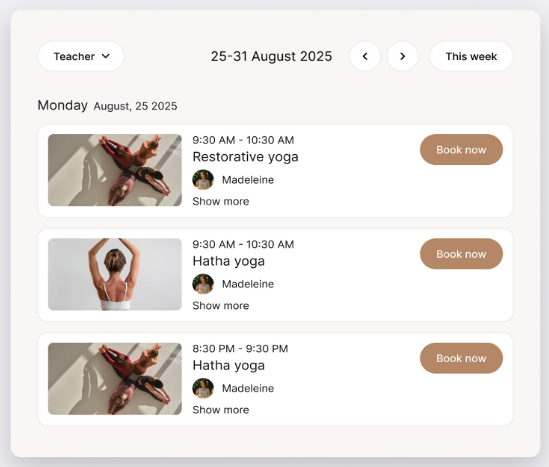
If a yogi visits the schedule page on your site and wants to book a class right away, they have to click on the Book now button next to the respective class. After a yogi clicks on Book now, they will be redirected to the class page on Momoyoga.
After the customer clicks on Book now again, they enter the regular Momoyoga yogi customer journey funnel. Read more about what the yogi customer journey looks like.
After completing the customer journey
After the yogi gets a confirmation of the membership or class pass they have now successfully purchased, they will also get a confirmation of the class they have now successfully booked through the schedule.
That's it. Now a member of your studio has booked their first class through the Momoyoga schedule that has been freshly integrated with your site. Congratulations!
Note: Please note that while Momoyoga’s support team can guide you through general setup, they do not provide in-depth technical troubleshooting for website integrations. If you encounter issues, it’s best to reach out to your website developer.
Was this article helpful?
That’s Great!
Thank you for your feedback
Sorry! We couldn't be helpful
Thank you for your feedback
Feedback sent
We appreciate your effort and will try to fix the article