Adjusting the payment status of a pricing option
- Search the yogi who made the payment in the Yogis page
- Select the order in question under active memberships and class passes
- Select confirm payment
- Select the correct payment method and date
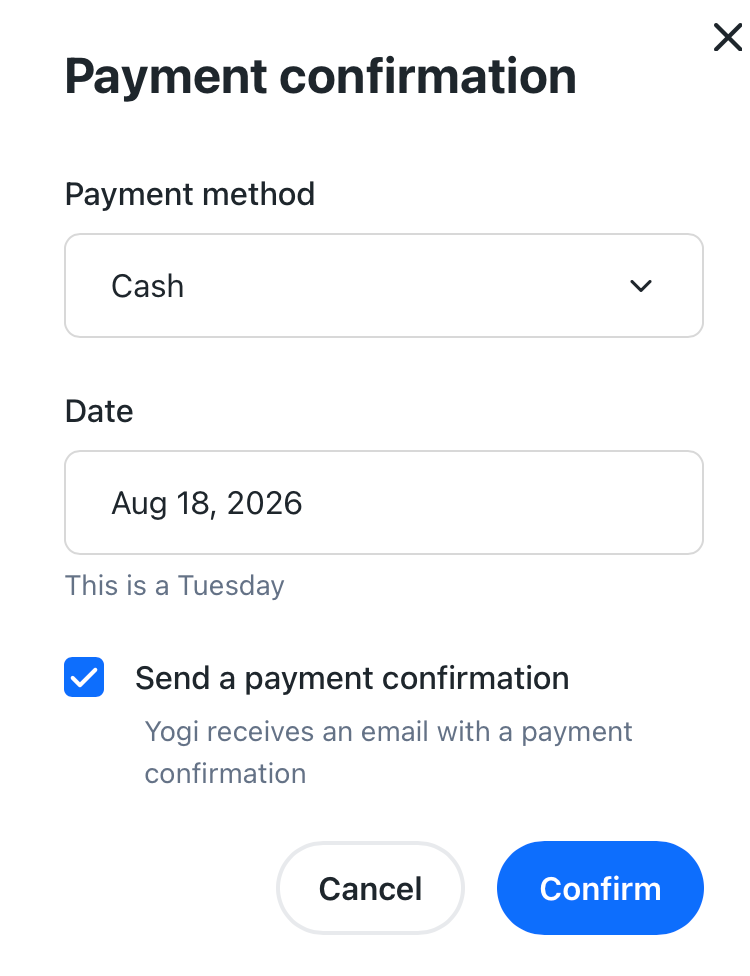
- Click on save
Tip: You can send the yogi an automatic payment confirmation email while confirming the payment as well.
Note: Adjusting the date while confirming the payment does not affect the invoice date. The invoice date is always the date on which the order was placed.
With these steps, the payment status has successfully been adjusted to “paid”!
Was this article helpful?
That’s Great!
Thank you for your feedback
Sorry! We couldn't be helpful
Thank you for your feedback
Feedback sent
We appreciate your effort and will try to fix the article